From GPU Mining to Decentralized AI Compute: Why Your ROG Strix RTX 5090 Is Worth More Than Hashrates in 2026
For GPU owners, the shift from Proof-of-Work mining to Decentralized AI Compute is the biggest pivot opportunity since Ethereum went proof-of-stake. Your ROG Strix RTX 5090 isn’t just a gaming card or mining rig anymore. It’s an AI training station that can pull 20-30% better margins than grinding altcoin hashrates.
This guide breaks down why 2026 is the inflection point for GPU strategy. We’ll cover hardware optimization, BIOS configurations, and the DePIN (Decentralized Physical Infrastructure Networks) ecosystem that’s changing how hardware enthusiasts generate passive income. Learn more on AI powered mining, it’s efficiency.
The Declining Profitability of Traditional GPU Mining in 2026
Market saturation has broken the old mining equation. RTX 5090 hashrate figures look great on paper, but they translate to shrinking returns once you factor in global network difficulty and energy costs.
Altcoins like Iron Fish and Quai once looked promising. That window has closed. Increased competition and network growth have crushed profit margins to the point where many operators can’t sustain operations. The era of plugging in a GPU and watching money accumulate is over.
Energy costs keep climbing while coin valuations swing wildly. Miners get squeezed from both directions. Many now barely break even after accounting for hardware depreciation, cooling infrastructure, and electricity.
The math just doesn’t work for most individual operators anymore. Enterprise-scale operations with cheap power and bulk hardware discounts dominate. Solo miners and small farms are getting priced out while decentralized ai compute is rising.
Understanding DePIN and the Decentralized AI Compute Revolution
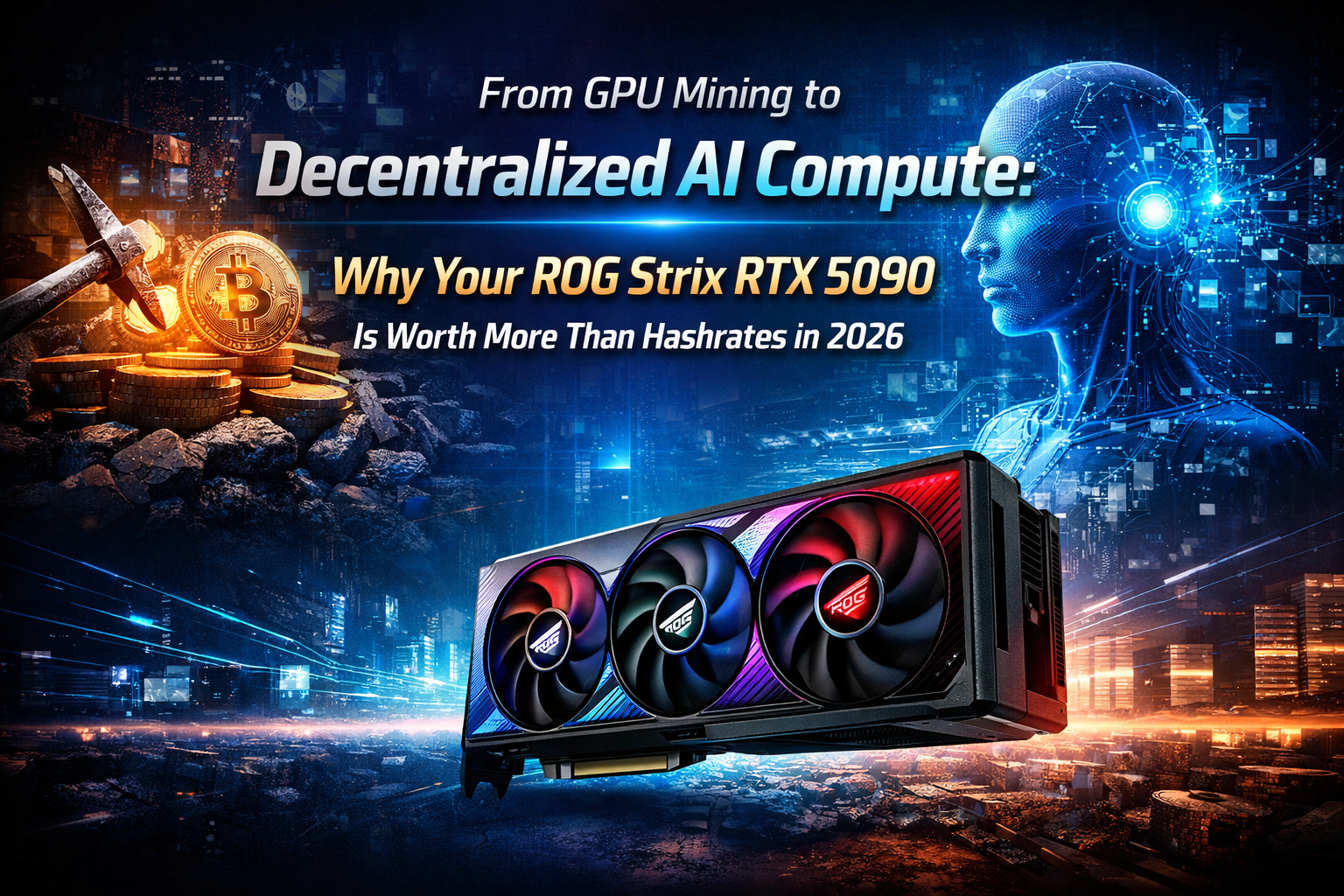
DePIN (Decentralized Physical Infrastructure Networks) flips the script on how we monetize computing resources. Instead of contributing hashpower to blockchain consensus, your GPU becomes part of a distributed AI training and inference network.
Platforms like Akash Network and io.net pioneered this approach. They connect GPU owners with AI developers and companies that need computational resources. Demand for Decentralized AI Compute has exploded as machine learning workloads grow.
The economics work in GPU owners’ favor. AI training tasks pay premium rates for high-performance hardware. Companies like decentralized compute for cost efficiency, geographic distribution, and avoiding cloud provider lock-in.
This isn’t theoretical future tech—it’s happening now. Thousands of GPUs already participate in decentralized AI compute networks, processing everything from large language model inference to image generation. The infrastructure exists and keeps maturing.
Why the RTX 5090 Dominates AI Compute Workloads
The NVIDIA Blackwell architecture powering the RTX 5090 wasn’t designed for mining. It was engineered for AI performance, and the specs prove it.
The card delivers 3352 AI TOPS (Tera Operations Per Second)—a generational leap in inference and training capability. The 5th-generation Tensor Cores with FP4 support handle AI workloads with efficiency that previous generations couldn’t touch.
The memory subsystem matches this processing power. 32GB of GDDR7 VRAM operating at 1792 GB/s bandwidth means large AI models fit comfortably in memory, eliminating the bottlenecks that plagued earlier cards during complex inference tasks.
The 21,760 CUDA cores provide raw parallel processing capability. Combined with the memory architecture, the RTX 5090 handles AI training workloads that would choke lesser hardware. LLM inference, dataset processing, and model fine-tuning all benefit.
ROG Strix RTX 5090 vs. ProArt Series: Choosing Your AI Compute Platform
Not all RTX 5090 implementations work equally well for AI compute. ASUS offers distinct variants optimized for different use cases, and understanding these differences can affect your long-term profitability with RTX 5090 AI workloads.
ROG Matrix Platinum RTX 5090
The flagship ROG Matrix Platinum ships with a factory overclock pushing boost clocks to 2760 MHz. The VRM design and thermal solutions enable sustained performance under continuous loads.
Vapor chamber cooling spreads heat efficiently across the entire heatsink assembly, preventing thermal throttling during 24/7 operation—which matters when your AI compute node runs continuously. The double flow-through design exhausts hot air directly from your case.
Premium power delivery components handle electrical demands without degradation. This matters enormously when your GPU runs at high utilization for months without interruption.
ProArt RTX 5090
The ProArt series takes a different approach, optimized for professional workstation environments. Its compact 2.5-slot design delivers 11% better cooling efficiency than reference implementations while occupying less physical space.
This space efficiency enables multi-GPU configurations on ASUS Pro WS motherboards. Running multiple RTX 5090 AI cards multiplies your AI compute earning potential. The professional-grade components ensure reliability across extended operational periods.
The ProArt variant works particularly well for hybrid setups where flexibility and density matter more than maximum single-card performance.
BIOS and UEFI Optimization for AI Compute Performance
Proper motherboard configuration dramatically impacts AI compute efficiency. Several settings need attention before deploying your ROG Strix RTX 5090 for decentralized compute workloads.
Essential BIOS Settings
Above 4G Decoding must be enabled. This allows the system to address GPU memory beyond the traditional 4GB limit. Without it, your 32GB VRAM remains partially inaccessible to AI frameworks.
Resizable BAR activation unlocks additional performance. This feature allows the CPU to access the entire GPU memory space simultaneously. AI workloads benefit significantly from reduced memory access latency.
PCIe Generation settings need careful configuration. While PCIe Gen5 offers maximum bandwidth, stability sometimes improves at Gen4 speeds. Test both configurations with your specific workload.
Additional Optimization Steps
Disable unused onboard peripherals to reduce system overhead. Serial ports, parallel ports, and unused SATA controllers consume resources without benefit. Every efficiency gain compounds over months of continuous operation.
Configure power management to prevent sleep states. AI compute nodes must remain responsive to incoming job requests. Aggressive power saving interferes with availability.
Set memory XMP profiles for maximum supported speeds. System memory bandwidth impacts data preprocessing stages of AI workloads.
GPU Tweak III Profiles for Sustained AI Compute
ASUS GPU Tweak III software provides granular control over card behavior. Creating optimized profiles for AI compute differs significantly from gaming or mining configurations.
The software supports custom performance profiles with on-screen display monitoring. This visibility proves invaluable when optimizing for efficiency rather than raw performance.
The Goldilocks Overclock Profile for AI Compute
Testing reveals an optimal balance between performance, efficiency, and stability for 24/7 AI workloads:
⚙️ Optimized GPU Settings for 24/7 AI Workloads
| Parameter | Setting | Rationale |
|---|---|---|
| Core Clock Offset | -200 MHz | Reduces power consumption while maintaining compute throughput |
| Memory Clock Offset | +1200 MHz | Maximizes bandwidth for memory-intensive AI models |
| Power Limit | 70% | Optimal efficiency point for continuous operation |
| Fan Curve | Aggressive | Prioritizes thermal headroom over noise |
| Temperature Target | 75°C | Conservative limit to improve long-term hardware longevity |
This profile prioritizes efficiency over maximum performance. The slight core clock reduction barely impacts AI throughput while dramatically reducing power consumption and heat generation. Memory overclock provides the bandwidth AI workloads actually need.
GPU Tweak III Profiles save these configurations for automatic application at system boot. Create separate profiles for different workload types if you occasionally use the system for other purposes.
Profitability Comparison: Mining vs. AI Leasing
The numbers tell a clear story. Direct comparison between traditional mining and DePIN AI leasing shows significant advantages for AI compute.
📊 PoW Mining vs AI Compute Leasing Comparison
| Metric | PoW Mining (Iron Fish / Quai) | AI Compute Leasing (Akash / io.net) |
|---|---|---|
| Daily Revenue (Avg) | $8–12 | $12–18 |
| Power Consumption | 450W sustained | 280W average |
| Hardware Stress | High (continuous max load) | Moderate (variable workloads) |
| Revenue Stability | Highly volatile | More predictable |
| Margin vs. Electricity | 15–25% | 35–50% |
| Network Competition | Increasing rapidly | Growing but demand-matched |
AI compute leasing delivers 20-30% higher margins consistently. The reduced power consumption at optimized profile settings further improves profitability. Variable workload intensity means your hardware experiences less wear than continuous mining stress.
Revenue stability matters for long-term planning. Mining income fluctuates wildly with coin prices and network difficulty. AI compute demand grows steadily as more applications require distributed processing power.
Thermal Management for 24/7 AI Compute Operations
Continuous operation demands serious thermal solutions. The ROG Strix RTX 5090’s vapor chamber cooling handles most scenarios, but additional considerations apply for professional deployments.
Ambient temperature control becomes critical. Air conditioning or dedicated cooling for your compute space prevents thermal throttling during summer months. The investment pays for itself through maintained performance and hardware longevity.
Immersion cooling is the ultimate solution for serious operators. Submerging hardware in dielectric fluid eliminates thermal concerns entirely. While expensive initially, immersion systems enable higher density deployments with perfect thermal management.
For air-cooled setups, the ROG Ryujin III AIO provides supplementary cooling for surrounding components. VRM and memory temperatures impact overall system stability even when GPU temperatures remain acceptable.
Regular maintenance prevents dust accumulation. Compressed air cleaning monthly maintains airflow efficiency. Thermal paste replacement annually ensures optimal heat transfer from die to cooler.
Multi-GPU Configurations on ASUS Pro WS Motherboards
Scaling beyond a single GPU multiplies earning potential. ASUS Pro WS motherboards support multiple high-power graphics cards with appropriate PCIe slot spacing and power delivery.
The ProArt RTX 5090’s compact 2.5-slot design enables configurations impossible with larger cards. Three or even four cards fit in properly equipped systems. Each additional card increases your compute capacity and potential earnings proportionally.
Power delivery requires careful planning. Multiple RTX 5090 cards demand substantial PSU capacity. Calculate total system draw including CPU, storage, and cooling components. Add 20% headroom for stability and future expansion.
Dedicated compute systems benefit from server-grade power supplies. Redundant PSU configurations prevent downtime from single-point failures. Platinum or Titanium efficiency ratings reduce operating costs significantly at scale.
Future-Proofing Your AI Compute Investment
The RTX 5090 shortage driven by AI demand in 2026 signals long-term value. Supply constraints reflect genuine market need for high-performance compute hardware. Your investment appreciates as demand continues growing.
Software ecosystems around DePIN platforms mature rapidly. Improved matching algorithms connect your hardware with optimal workloads. Automated management tools reduce operational overhead.
Consider these forward-looking strategies:
- Monitor emerging DePIN platforms for better rates or specialized workloads matching your hardware capabilities
- Track AI TOPS utilization metrics to identify underperforming configurations
- Evaluate hybrid approaches combining AI compute with occasional mining during favorable market conditions
- Build relationships with recurring AI compute customers for stable, premium-rate workloads
The transition from mining to AI compute positions you for the next decade of distributed computing growth. Machine learning demand shows no signs of slowing. Your hardware becomes more valuable as AI applications proliferate.
Getting Started with Your Transition
The path from mining to AI compute requires methodical execution. Follow these steps to begin:
- Audit your current setup including power capacity, cooling capability, and network bandwidth
- Update all firmware including GPU BIOS, motherboard UEFI, and system drivers
- Configure BIOS settings as detailed above for optimal AI compute performance
- Create GPU Tweak III profiles optimized for efficiency rather than maximum performance
- Register on multiple DePIN platforms to maximize job availability and compare rates
- Monitor initial performance and adjust configurations based on actual workload characteristics
- Scale gradually, adding capacity as you validate profitability and operational stability
Document your configuration. Record every setting, profile, and optimization decision. This information proves invaluable when expanding or troubleshooting. Learn how to optimize your mining performance.
Conclusion
The era of profitable GPU mining for individual operators has largely passed. Market dynamics favor enterprise-scale operations with advantages unavailable to smaller participants. Continuing to chase diminishing mining returns wastes your hardware’s potential.
Decentralized AI Compute is the logical evolution for GPU owners. The ROG Strix RTX 5090’s AI capabilities—3352 TOPS, 32GB VRAM, advanced cooling—position it perfectly for this market. The hardware you already own or plan to purchase serves this purpose better than mining.
The transition requires effort but rewards handsomely. Proper configuration, thermal management, and platform selection maximize your decentralized AI compute returns. The 20–30% margin improvement over mining compounds significantly over time.
Your GPU isn’t just a mining rig or gaming card anymore. It’s a node in the distributed AI infrastructure powering the next generation of machine learning applications. The question isn’t whether to make this transition—it’s how quickly you can optimize your setup to capture maximum value.
What’s your experience with the mining-to-AI-compute transition? Share your RTX 50-series benchmarks and build configurations in the comments. Are you still mining, already leasing AI compute, or running a hybrid setup? See our home GPU mining guides.